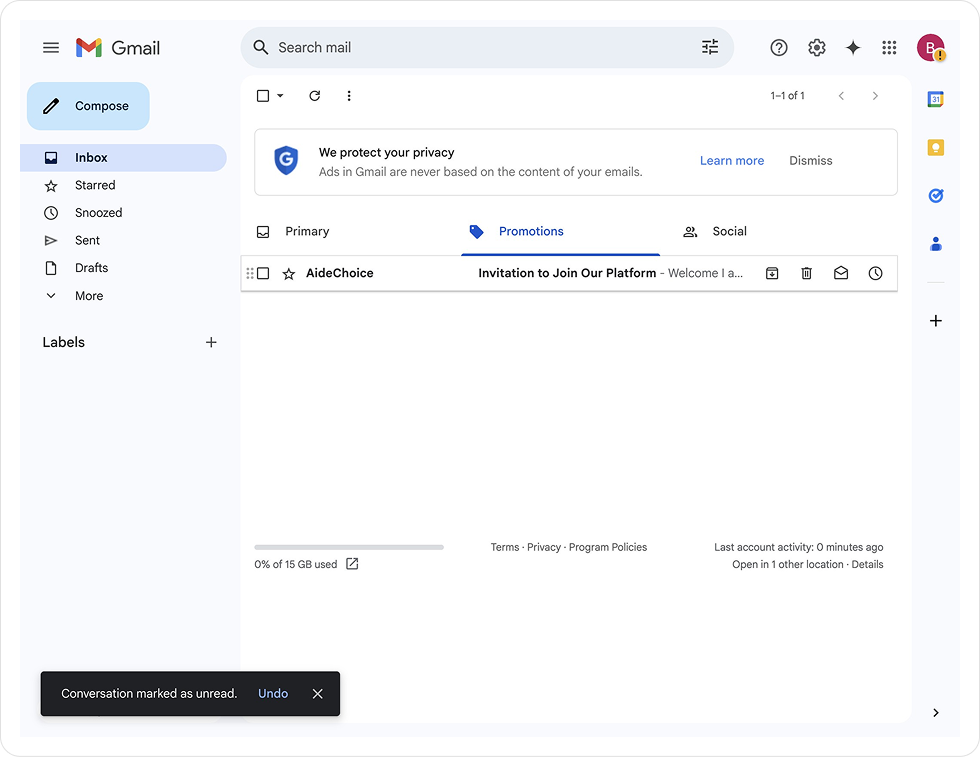
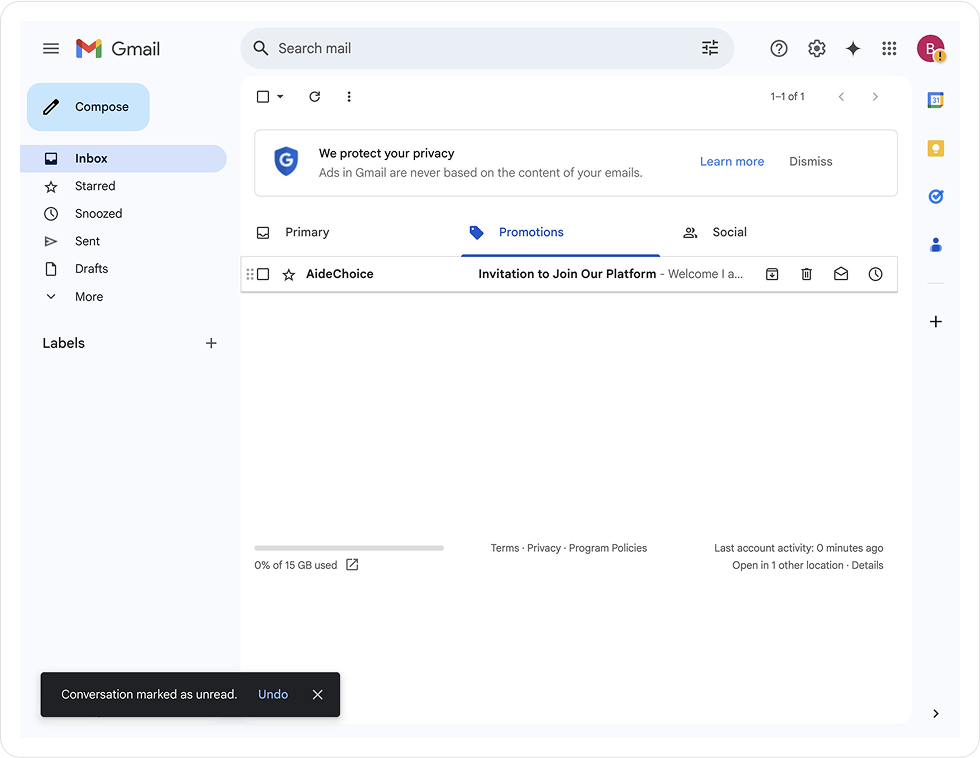
1. Check your email for an agency invitation from AideChoice
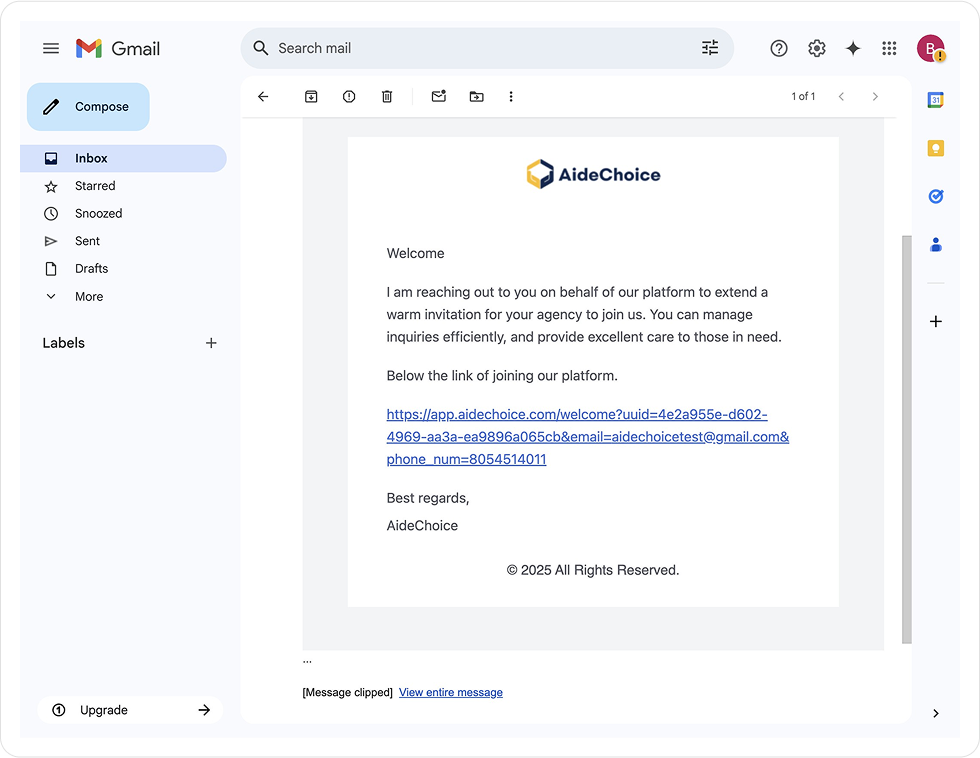
2. Open up the invitation email
3. Click the invitation link in the email to get started!
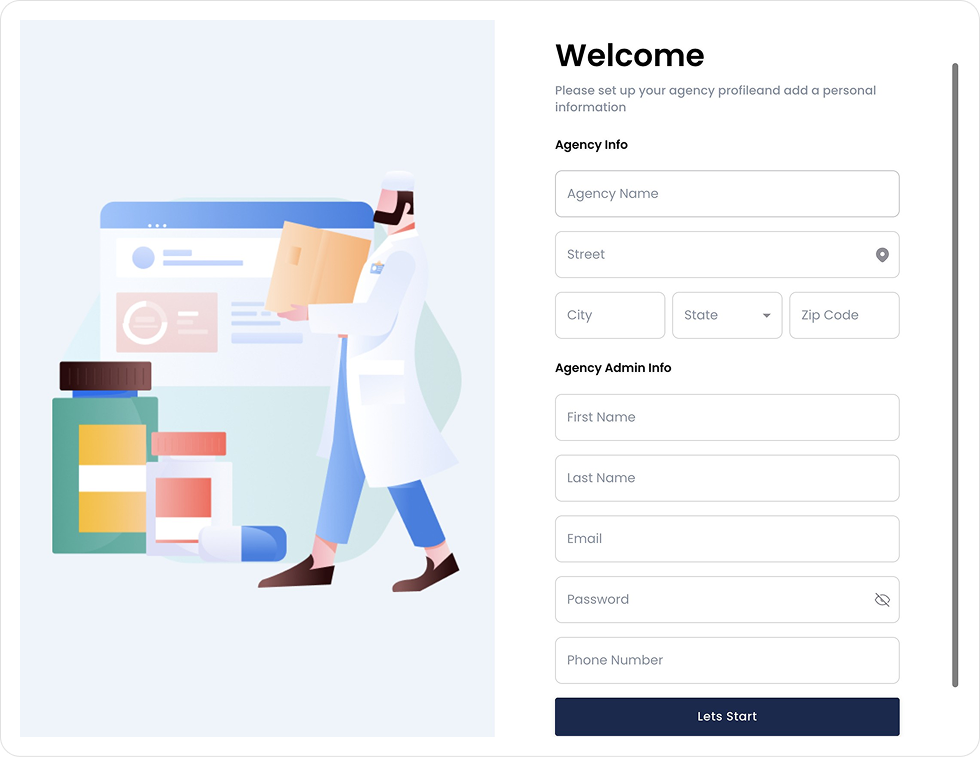
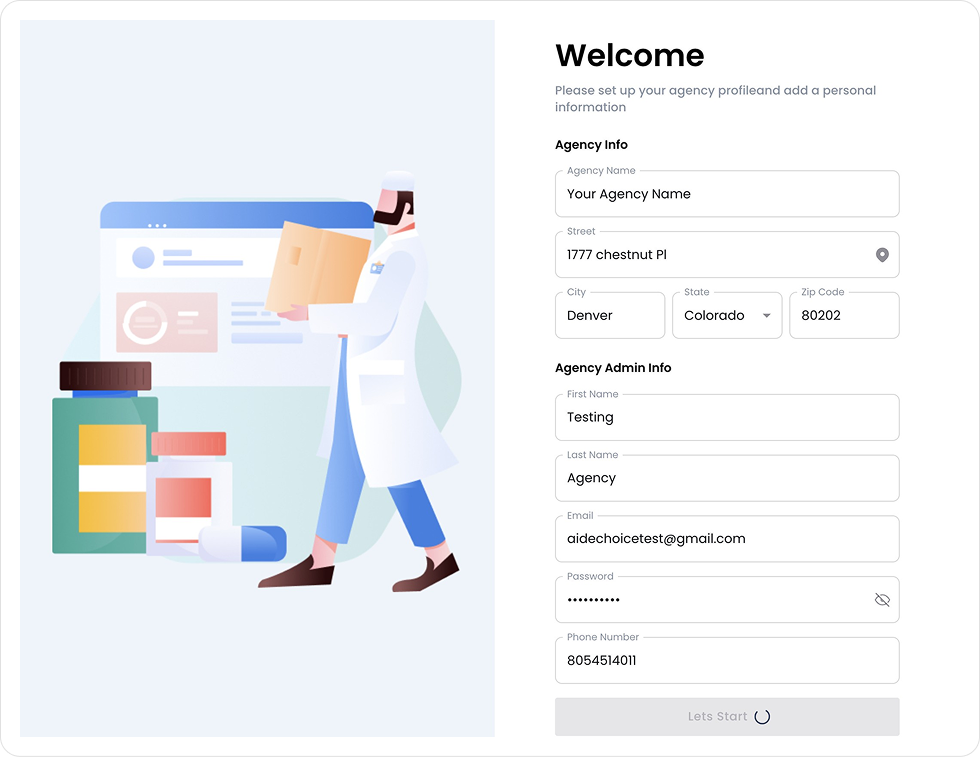
4. Fill out all fields on the welcome screen.
5. Once your information is added, click ``Lets start``
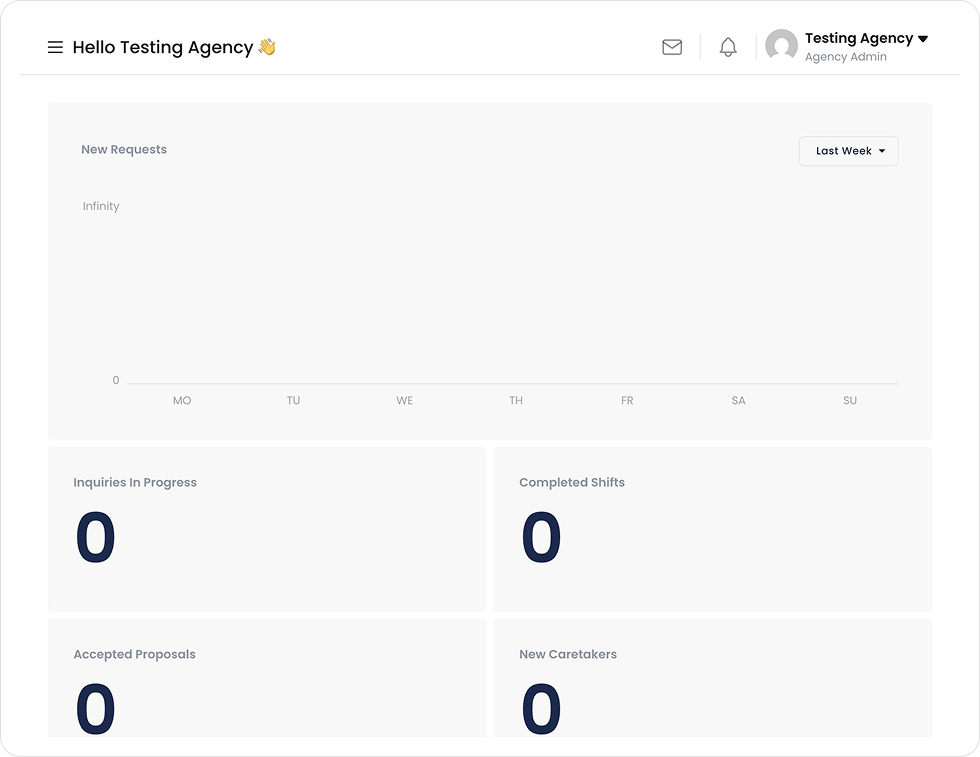
6. From here you will be taken to your dashboard
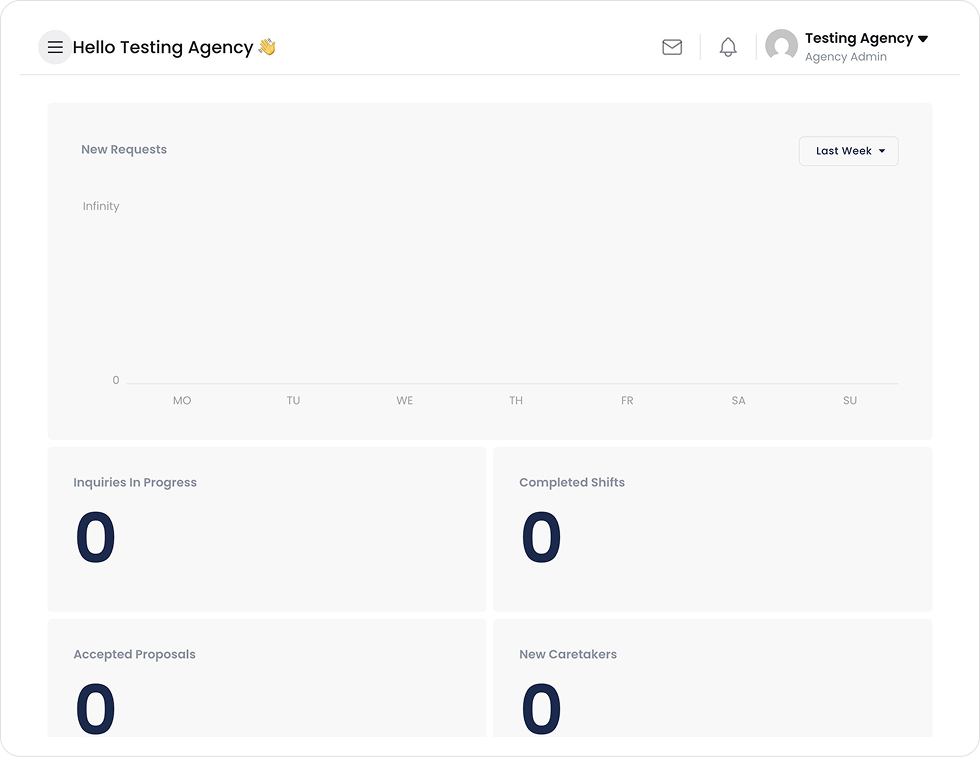
7. Click the menu icon in the top left corner of your screen
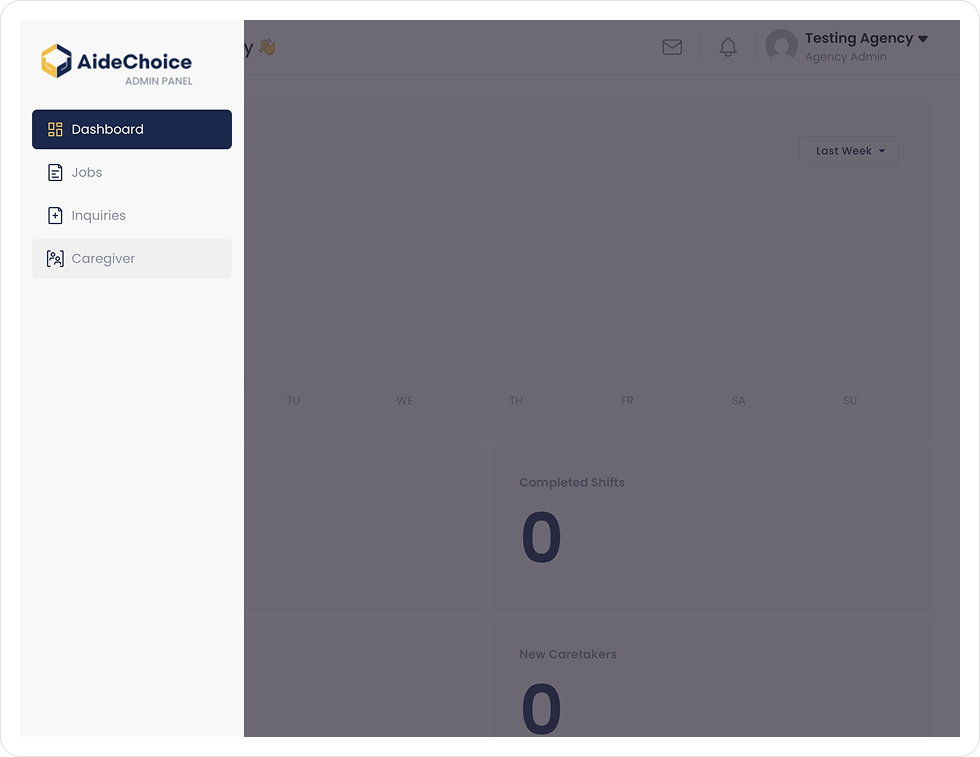
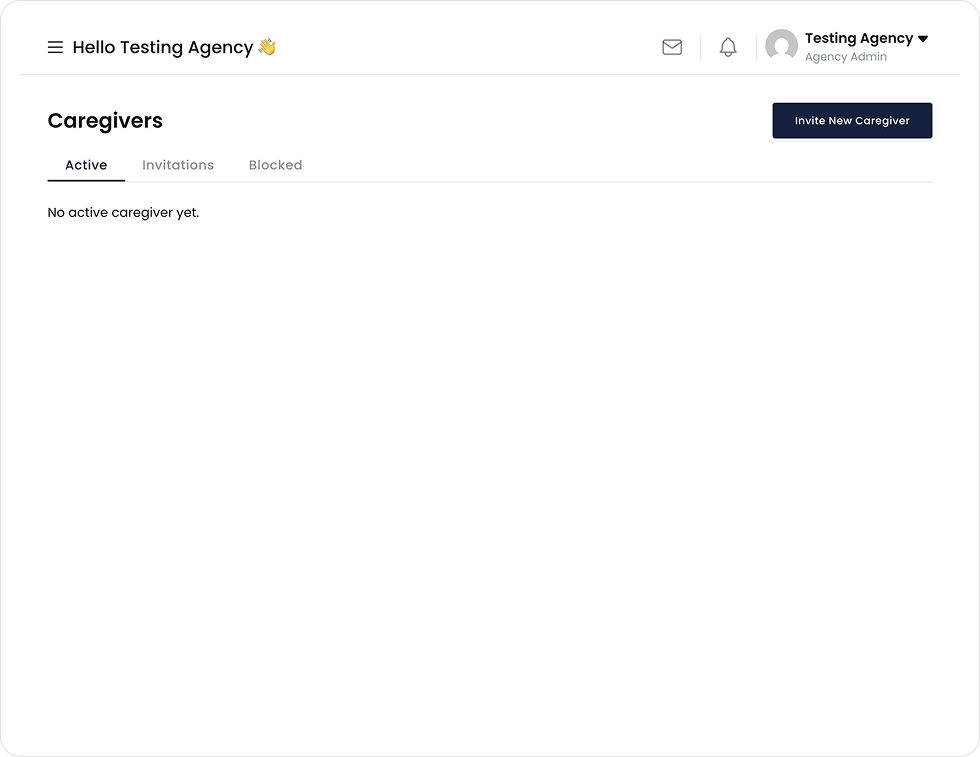
8. Click ``Caregiver``
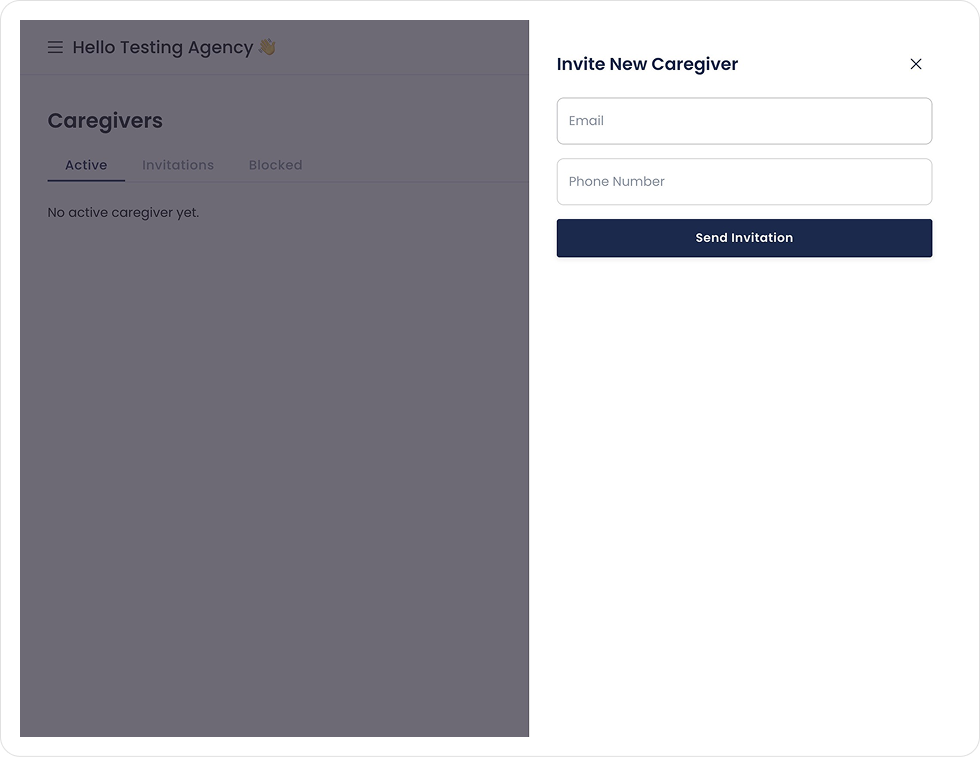
9. Click ``Invite New Caregiver``
10. Enter your caregiver’s information to send them an invitation
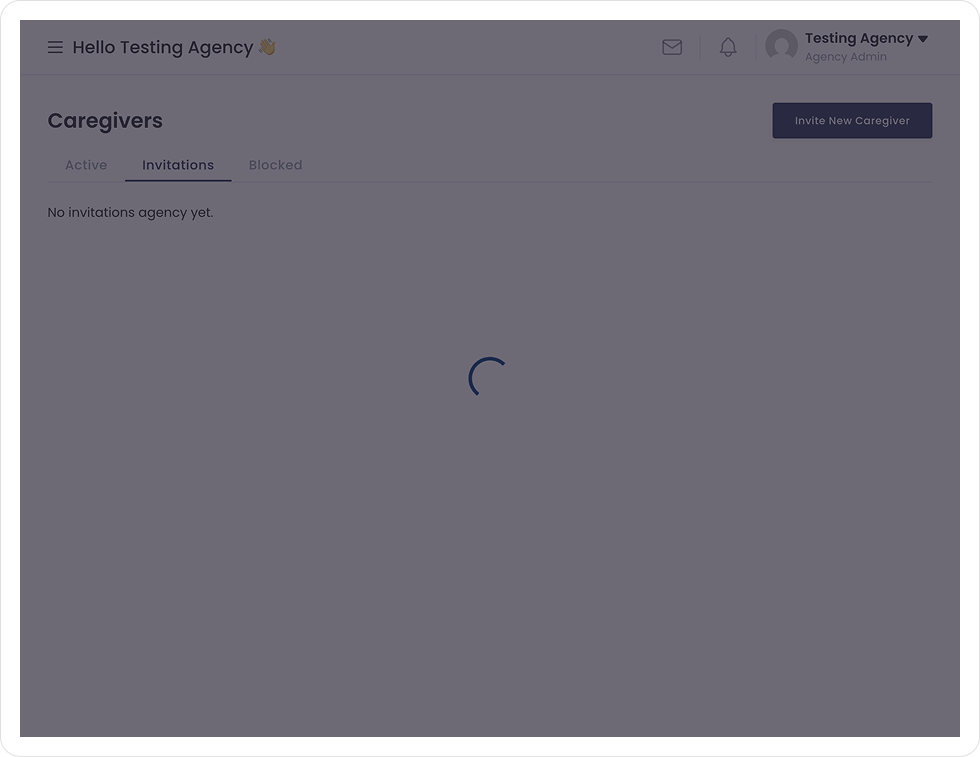
11. Once you have invited a caregiver, they will receive an email with instructions for registering. You can view your invitations in the ``Invitations`` tab.
Be part of AideChoice’s mission to revolutionize in-home care. Sign up now and unlock a world of possibilities.
You’ll hear from our Provider Relations team to start the conversation.
We use cookies to improve your experience on our website. By browsing this website, you agree to our use of cookies.