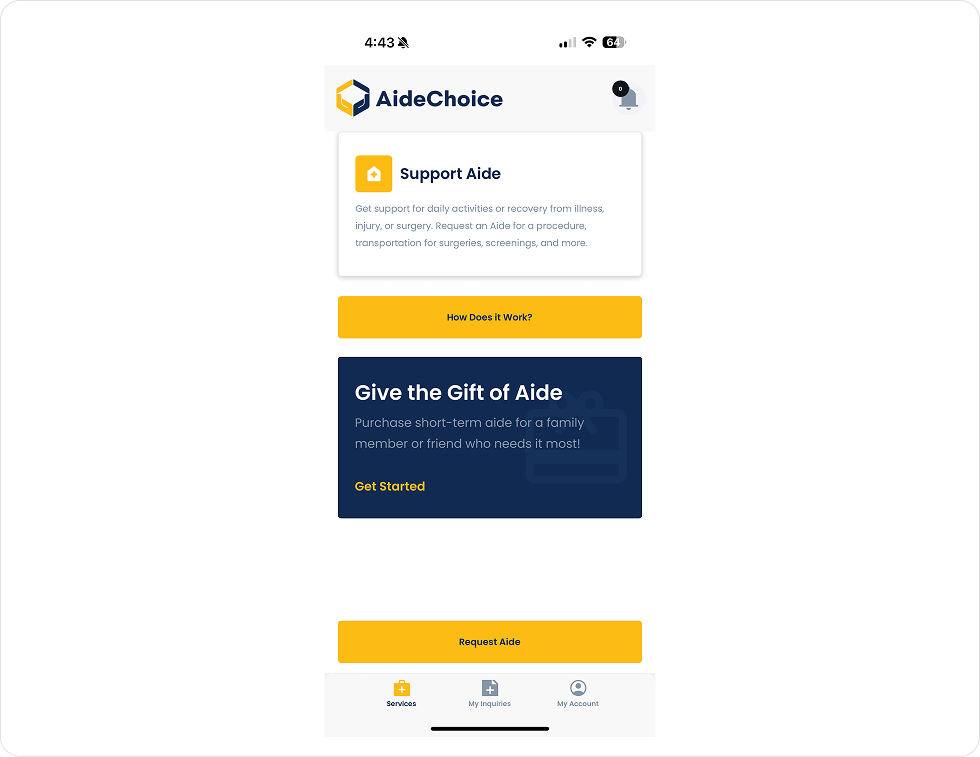
1. Login to your account via the AideChoice App and select ``Request Aide``
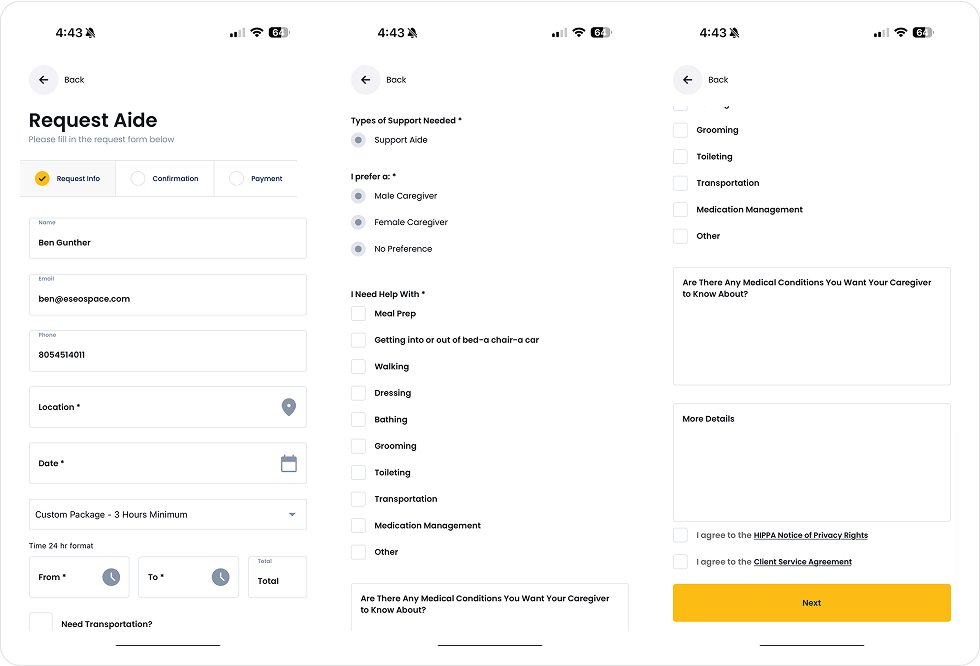
2. Fill out the ``Aide Request`` form with all of the information required for your request.
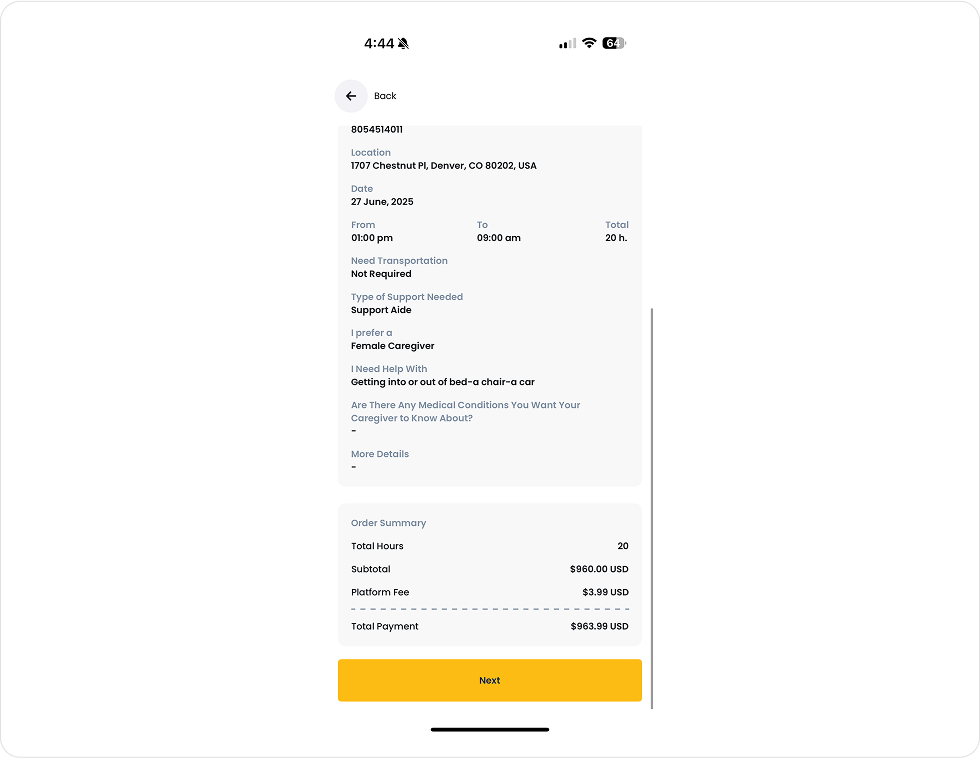
3. Continue to the confirmation screen to view your request summary as well as payment summary.
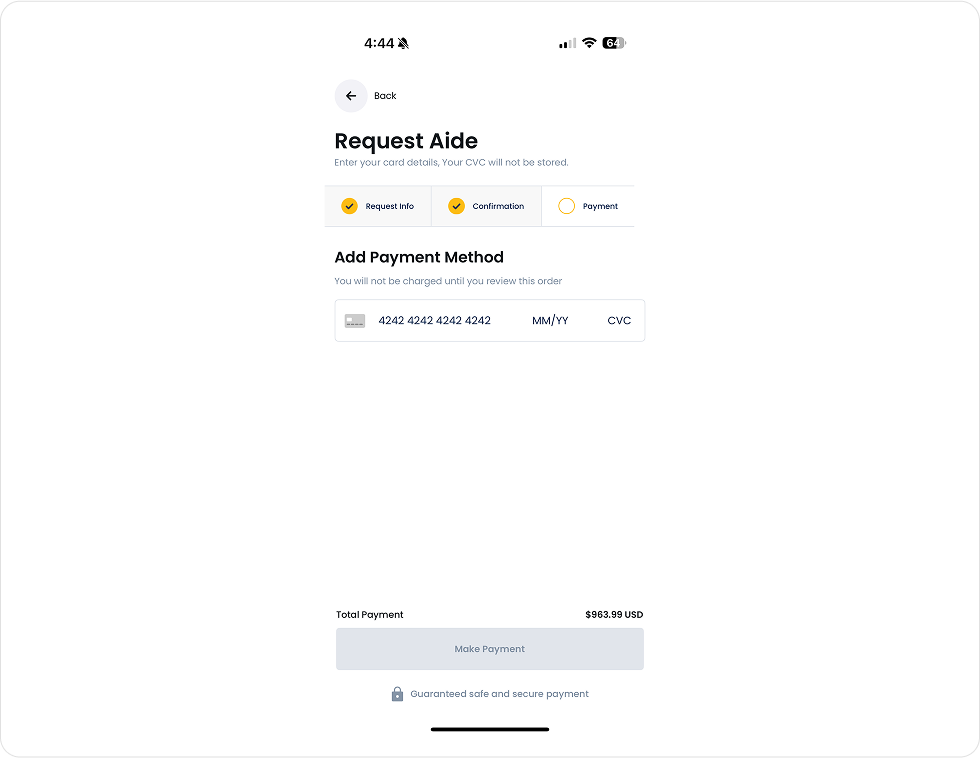
4. Submit your payment for the Aide Request.
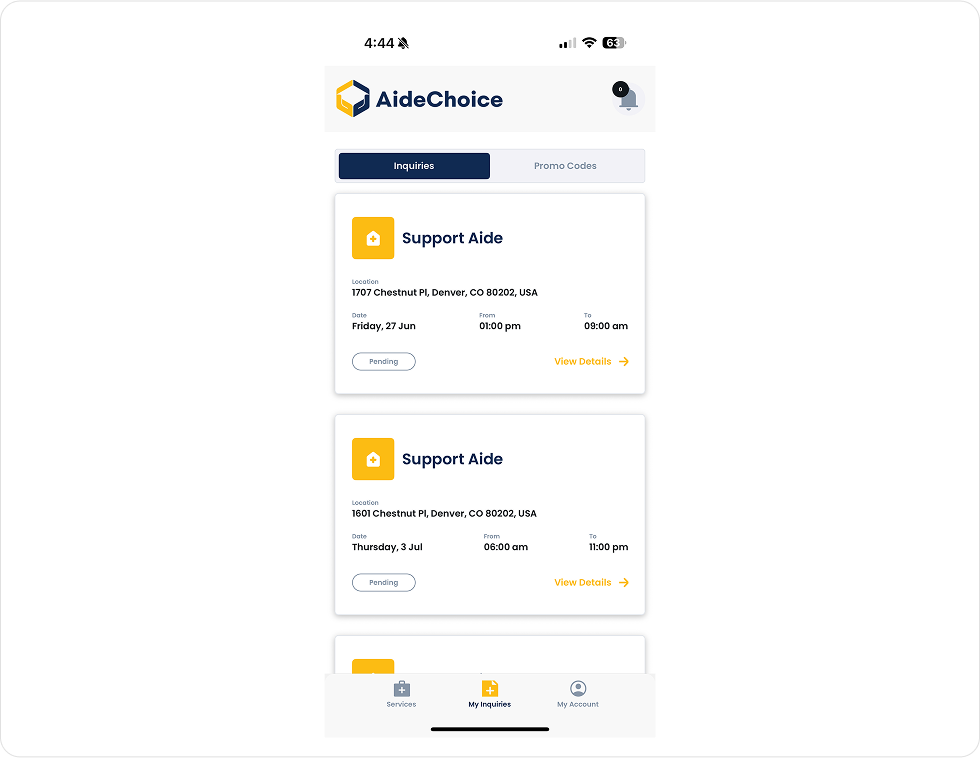
5. Navigate to the ``My Inquiries`` tab in your AideChoice App Dashboard to view your inquiry. Once a Caregiver is assigned to your request you will be able to view their profile and message with them.
Be part of AideChoice’s mission to revolutionize in-home care. Sign up now and unlock a world of possibilities.
You’ll hear from our Provider Relations team to start the conversation.
We use cookies to improve your experience on our website. By browsing this website, you agree to our use of cookies.