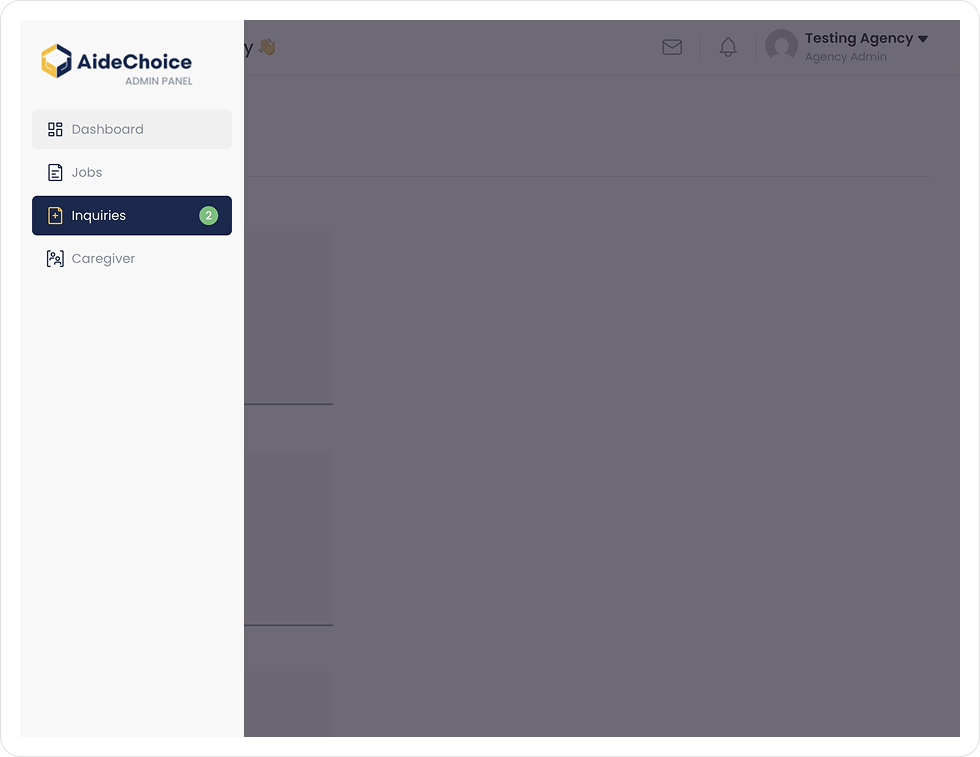
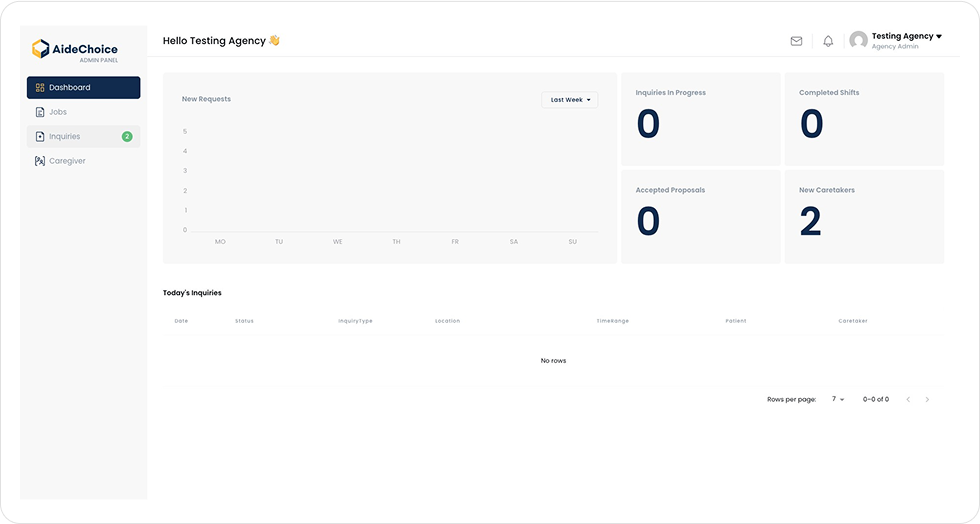
1. As the Agency Administrator, navigate to your AideChoice Dashboard and select ``Inquiries`` to view recently submitted inquiries in your area.
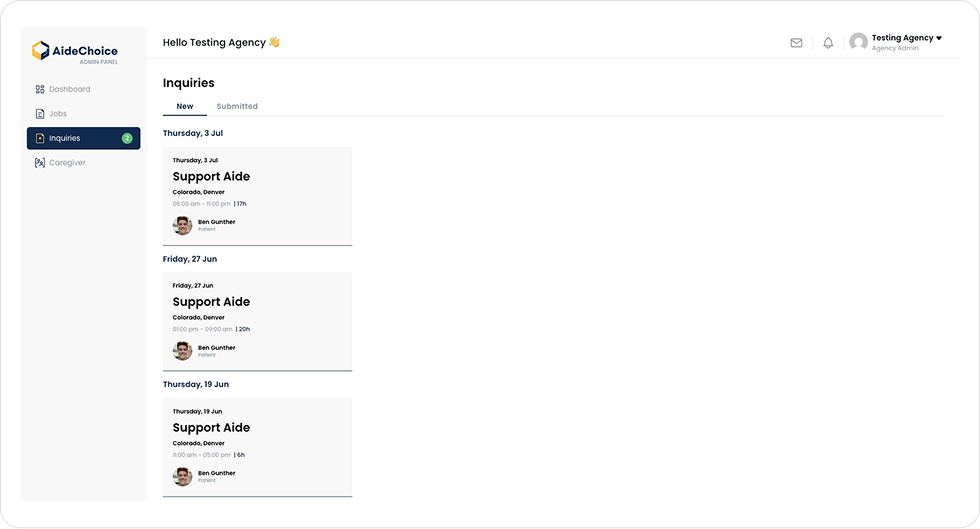
2. Select ``Inquiries`` to view recently submitted Aide Requests
3. On this screen you will see recently submitted requests. Please select one you may be interested in to view details.
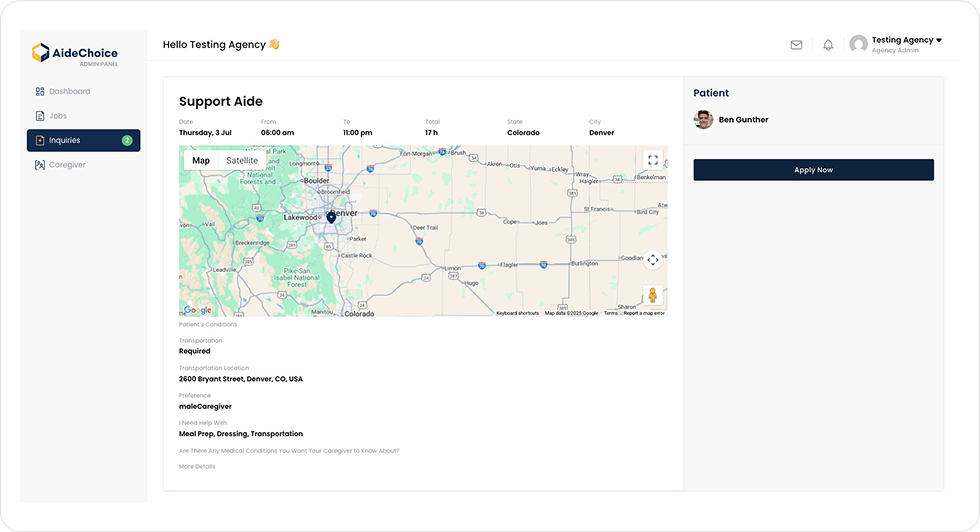
4. Here you will see the details of the request as well as the ability to ``Apply`` for the request. Once you click “Apply,” an AideChoice administrator will review your application and may assign the job to your agency.
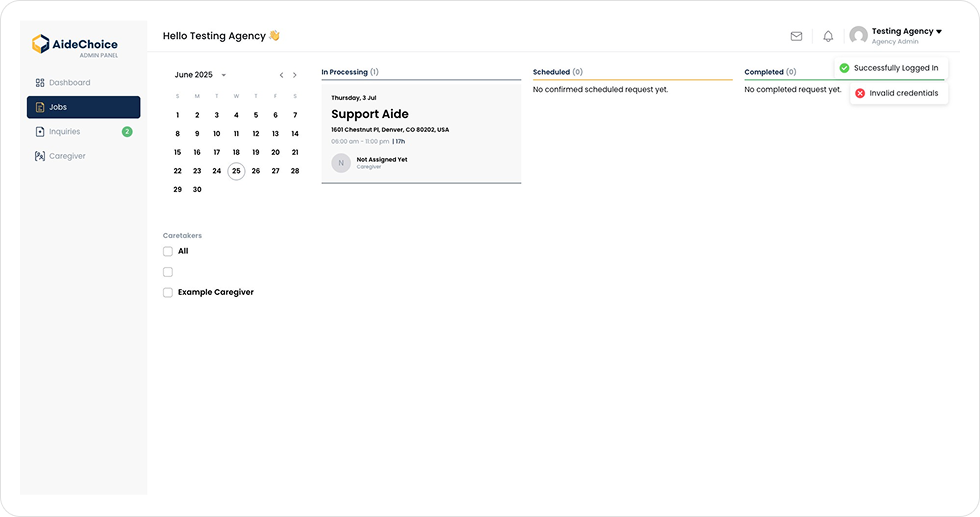
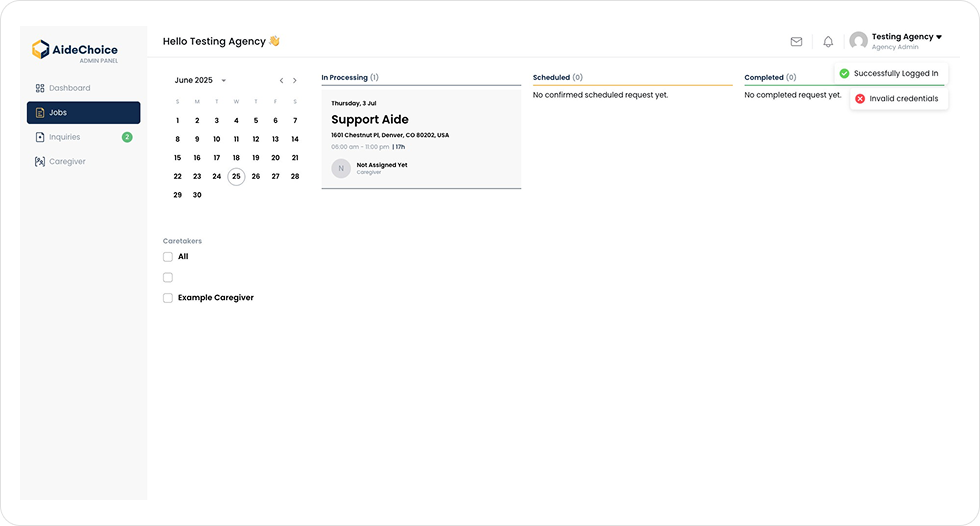
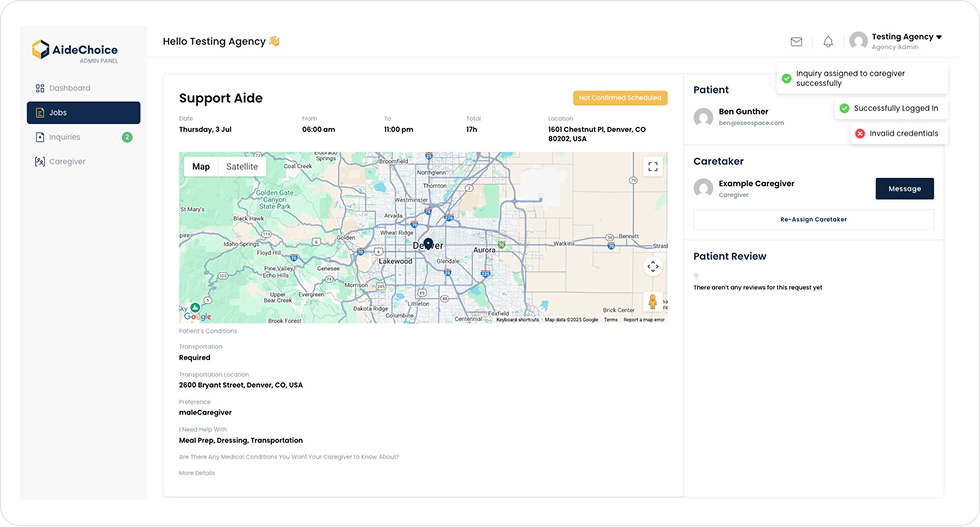
5. Once an AideChoice admin has assigned your agency the job, you can navigate to the ``Jobs`` tab to view your assigned jobs.
6. Click on your newly assigned job to assign it to a caregiver.
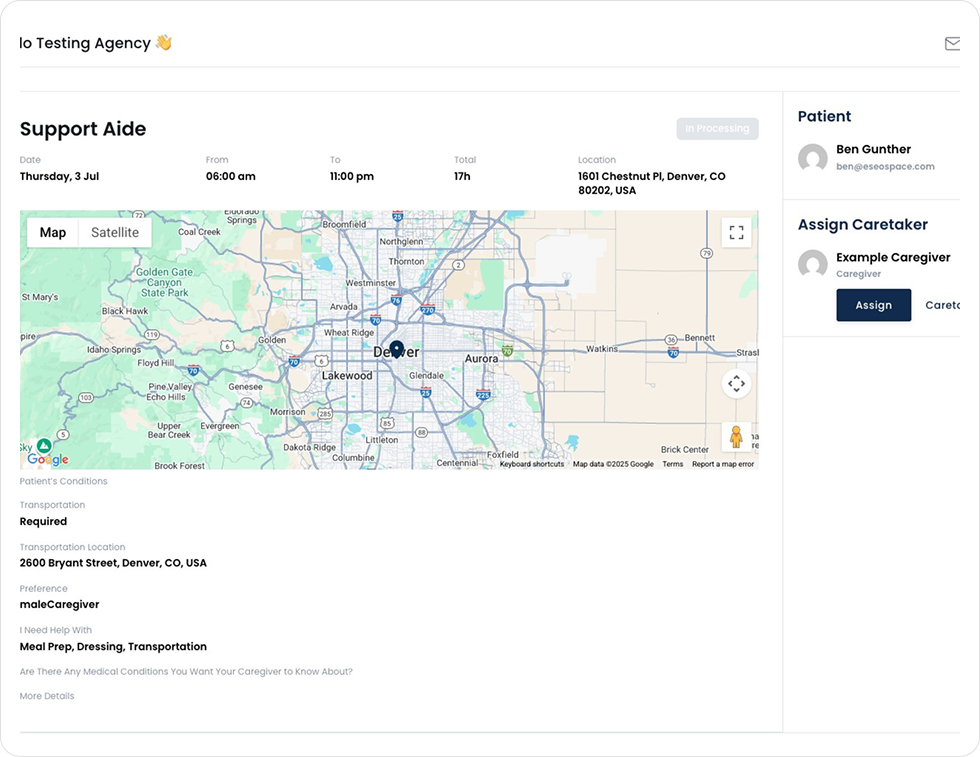
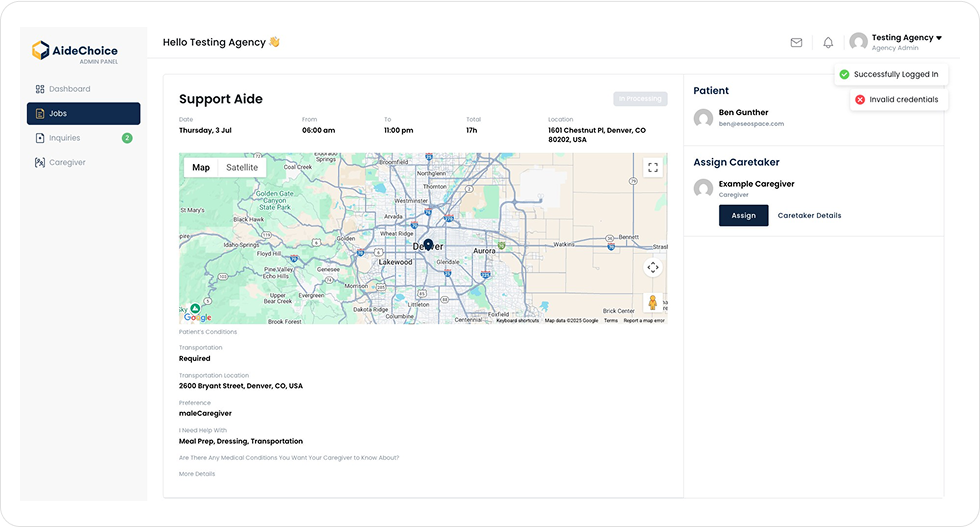
7. You can view all details of the request to ensure the proper caregiver is assigned to this particular job.
8. To assign a Caregiver, click ``Assign`` on the Caregiver of choice. The Caregiver will then be notified of their assignment and can confirm within the AideChoice App.
9. You will also have the ability to message with the Caregiver via the Agency Dashboard. The Caregiver will receive these messages within their AideChoice App.
Be part of AideChoice’s mission to revolutionize in-home care. Sign up now and unlock a world of possibilities.
You’ll hear from our Provider Relations team to start the conversation.
We use cookies to improve your experience on our website. By browsing this website, you agree to our use of cookies.