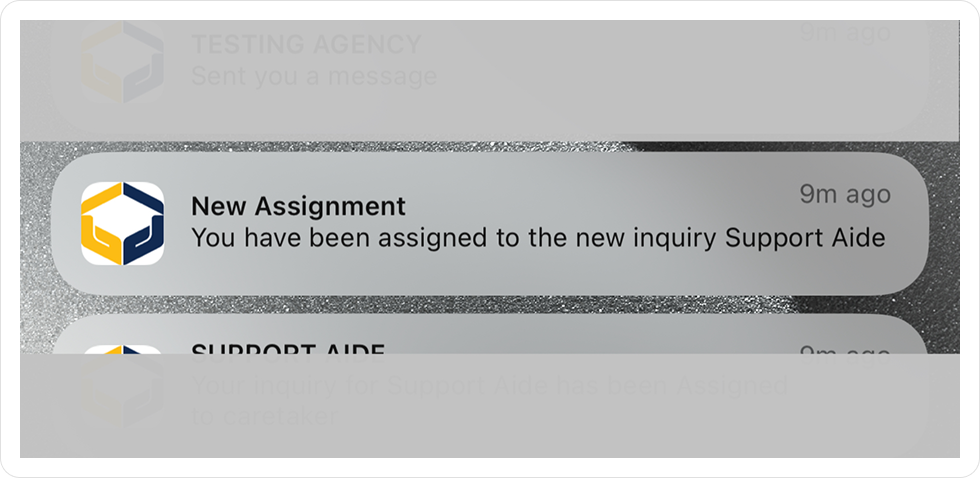
1. Once your agency has assigned to you an Aide Request, you will receive a push notification from the AideChoice App.
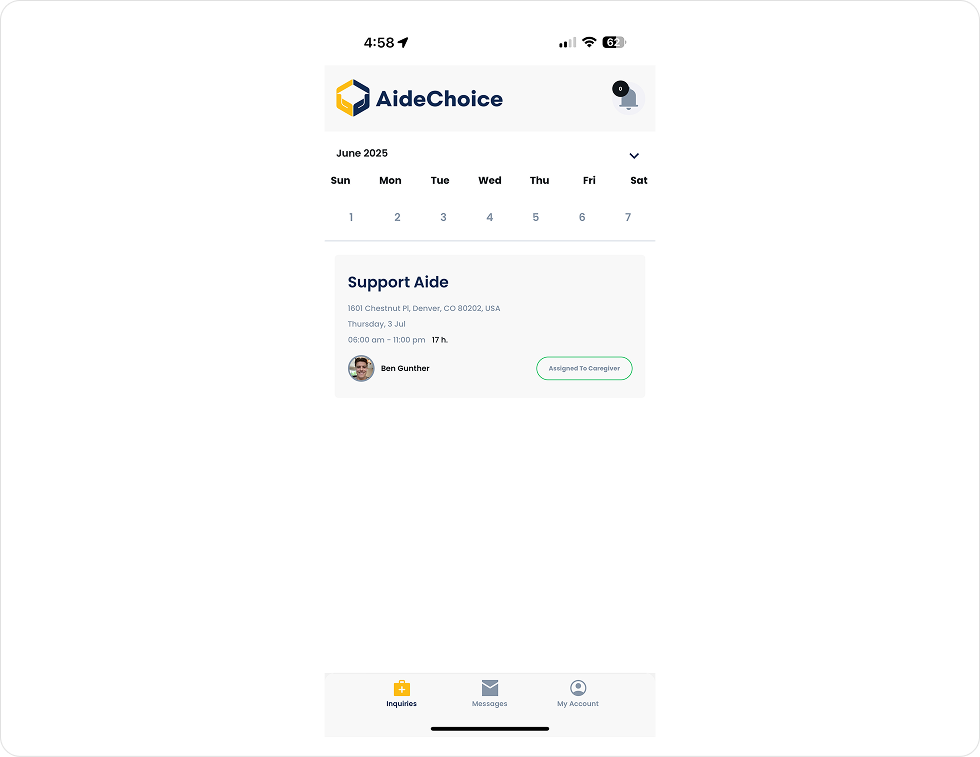
2. Navigate to the AideChoice App to view your assignment
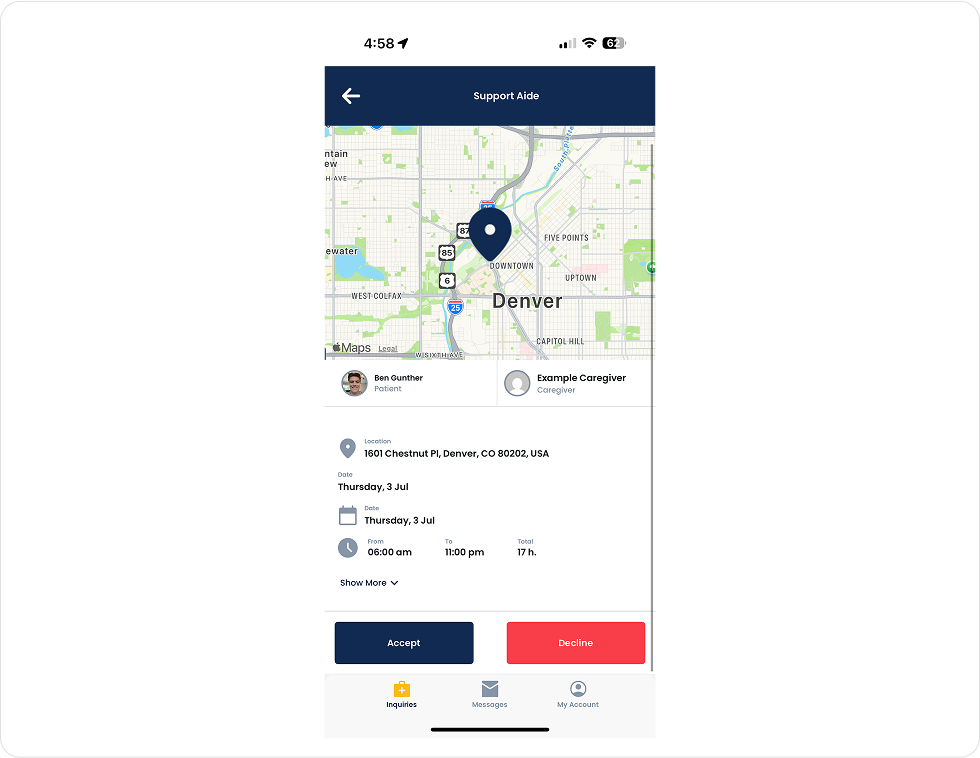
3. Click on the assignment to view all details of the request and to either ``Accept`` or ``Decline`` the inquiry
4. Once you have accepted the inquiry, you will receive push notification reminders of your job as the date of the request approaches.
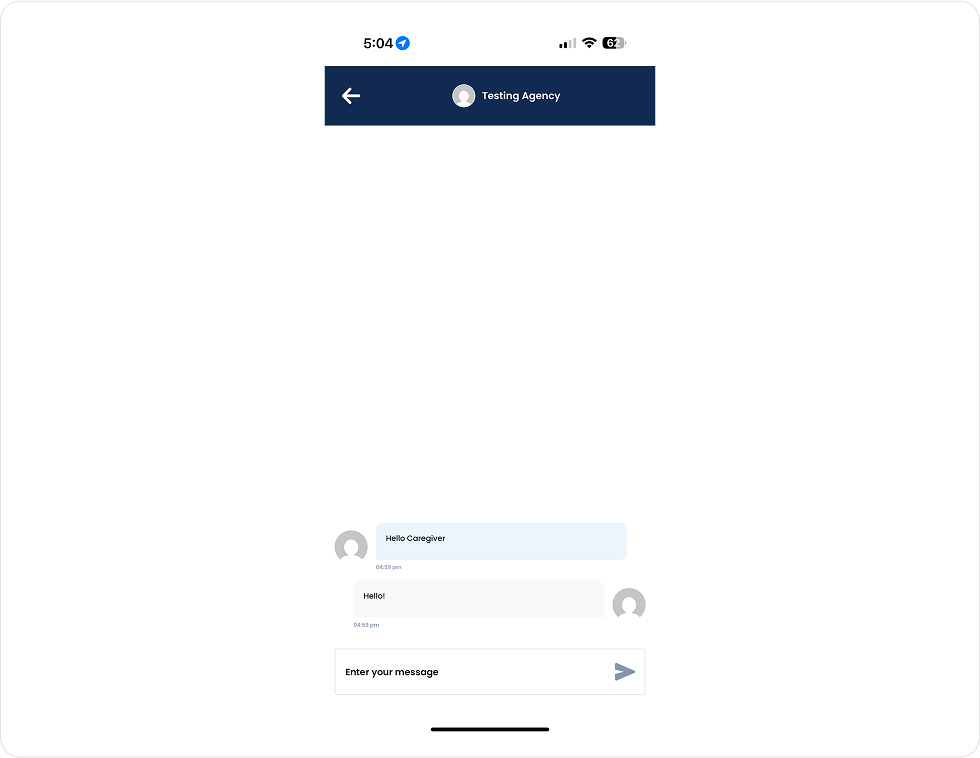
5. You can always message your Agency Admin via the app with any questions or concerns regarding the inquiry
6. Once you have completed the request, navigate back to the request and select ``Completed``. This will then close the request, and the user who requested Aide will have a chance to leave a review for the caregiver.
Be part of AideChoice’s mission to revolutionize in-home care. Sign up now and unlock a world of possibilities.
You’ll hear from our Provider Relations team to start the conversation.
We use cookies to improve your experience on our website. By browsing this website, you agree to our use of cookies.